GroundCore
Site service report
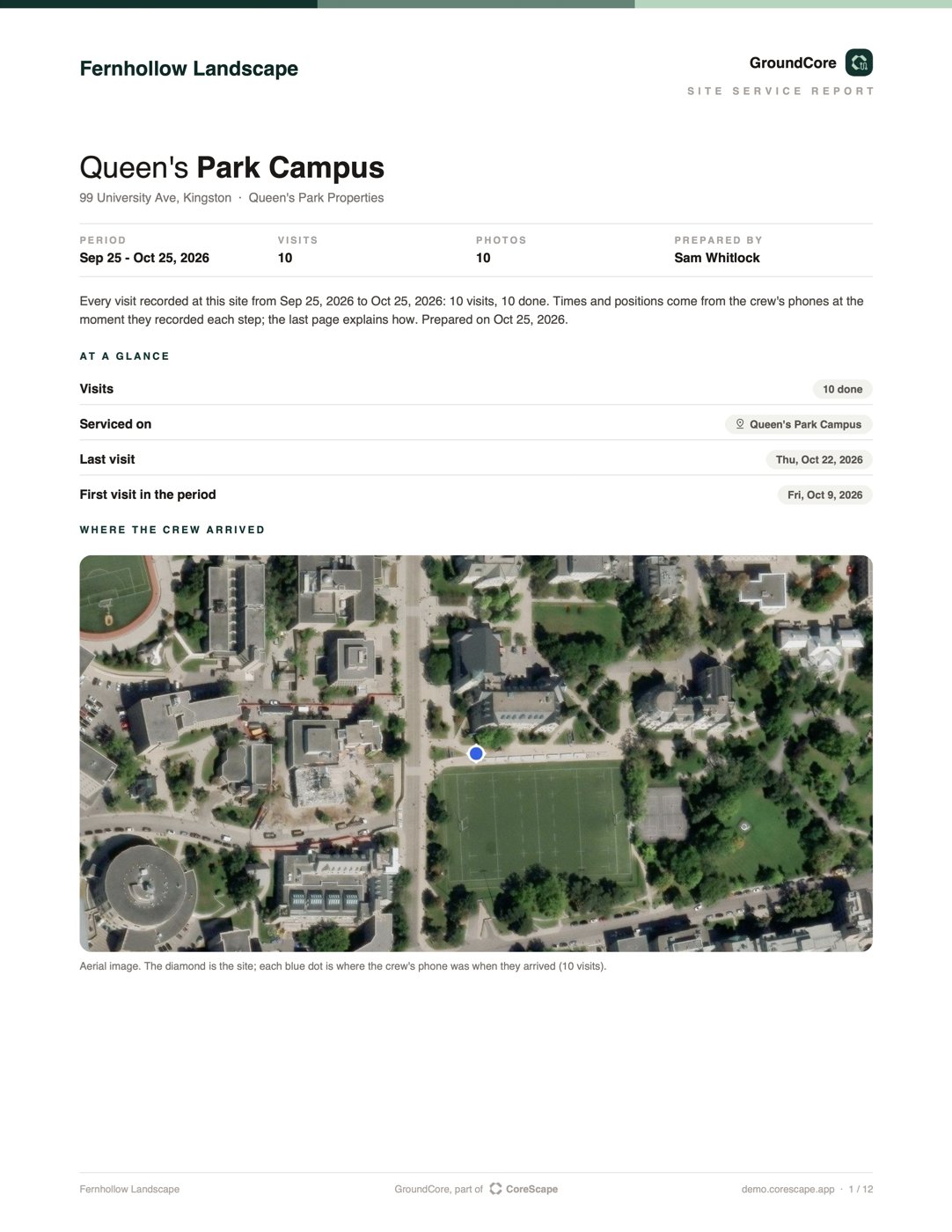
Every visit to one site over the dates you pick: arrival, start and finish, where the phone was each time, the checklist, the weather that day and the photos.
Proof of service
Someone slips on the ice. A client says the job wasn't done, or not the way they agreed. With CoreScape, the work already has its record: when the crew was there, where their phones were, what they did and the photos. Pick the site, the job or the project, and it's one PDF to send to your insurer or your client.
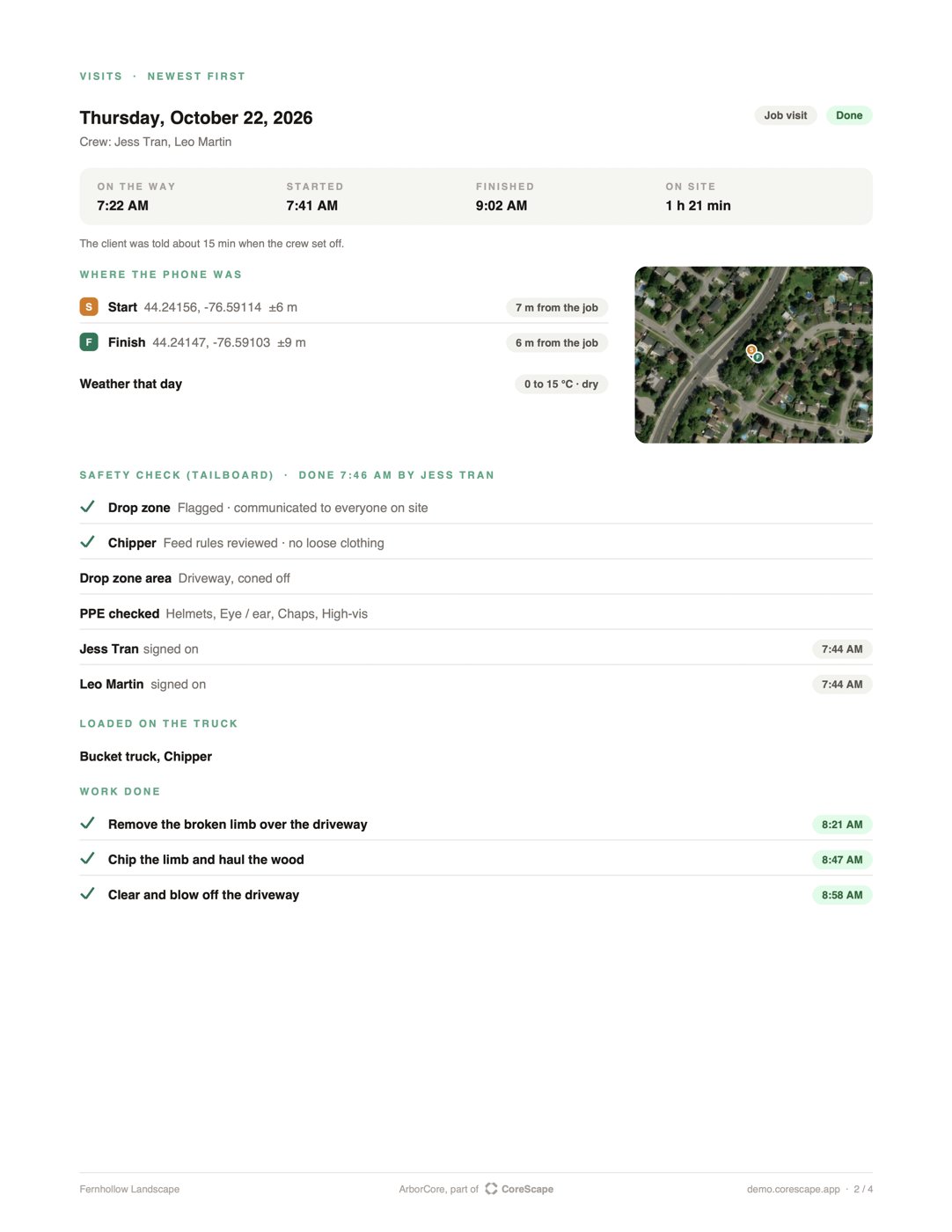
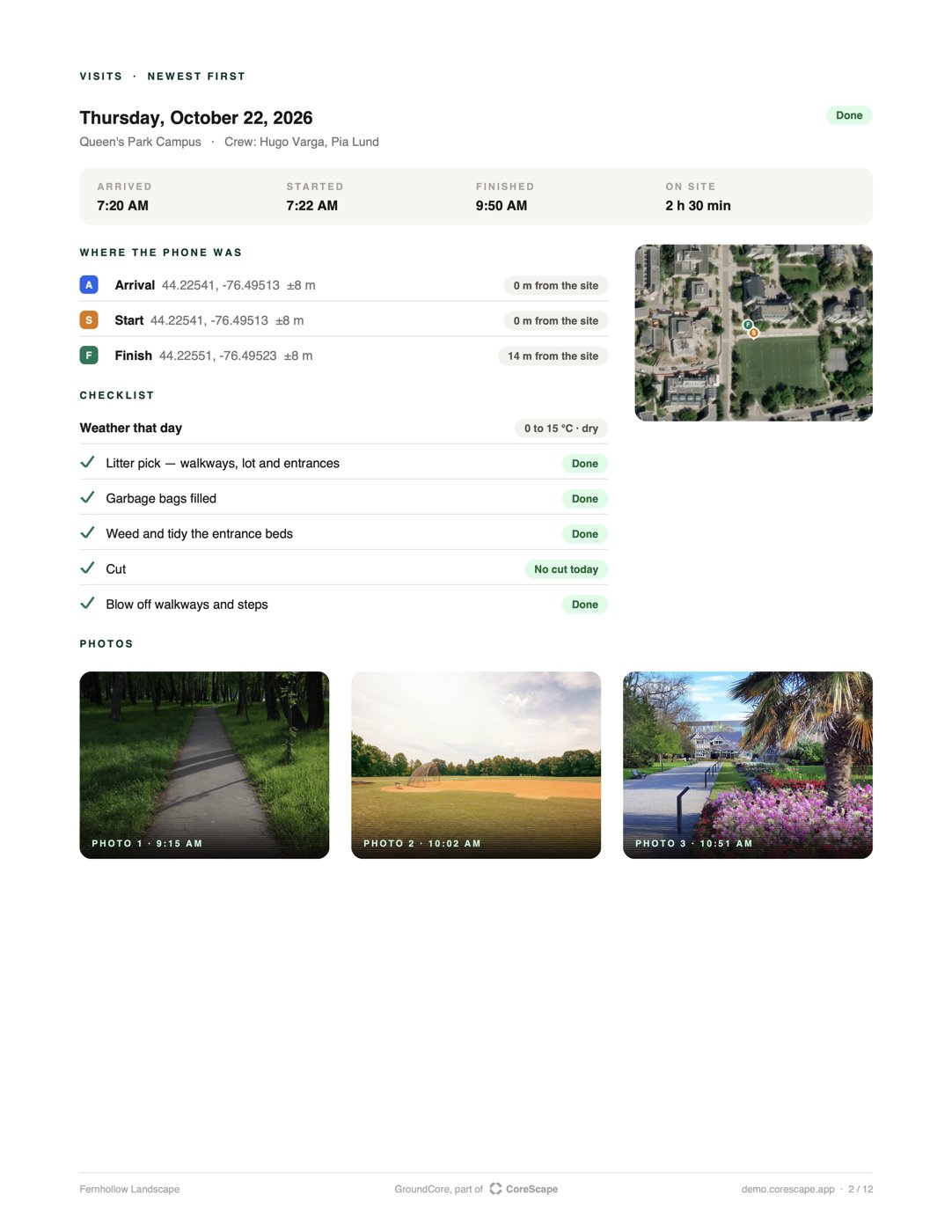
The moments the crew tapped them on site: arrived, started, finished, clocked in, clocked out.
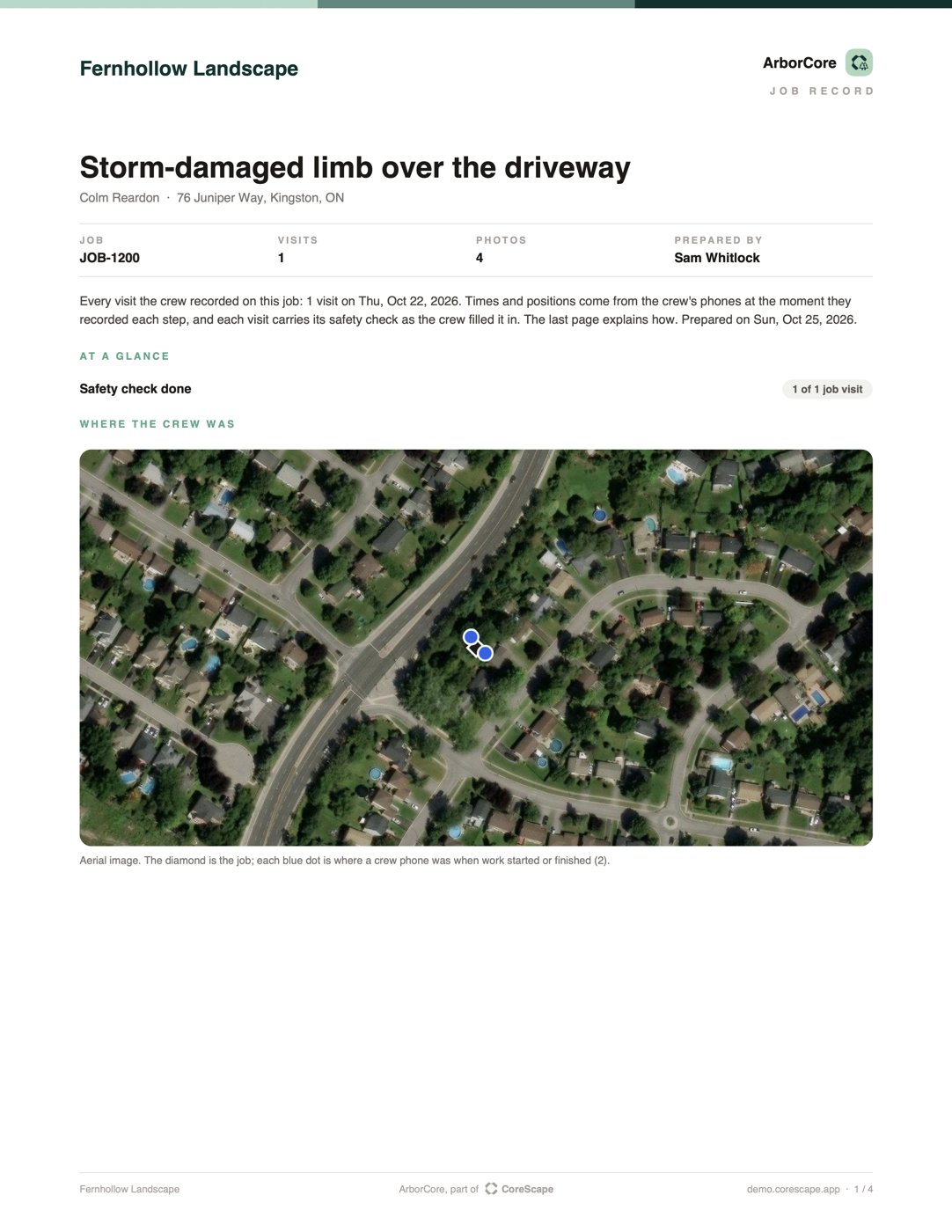
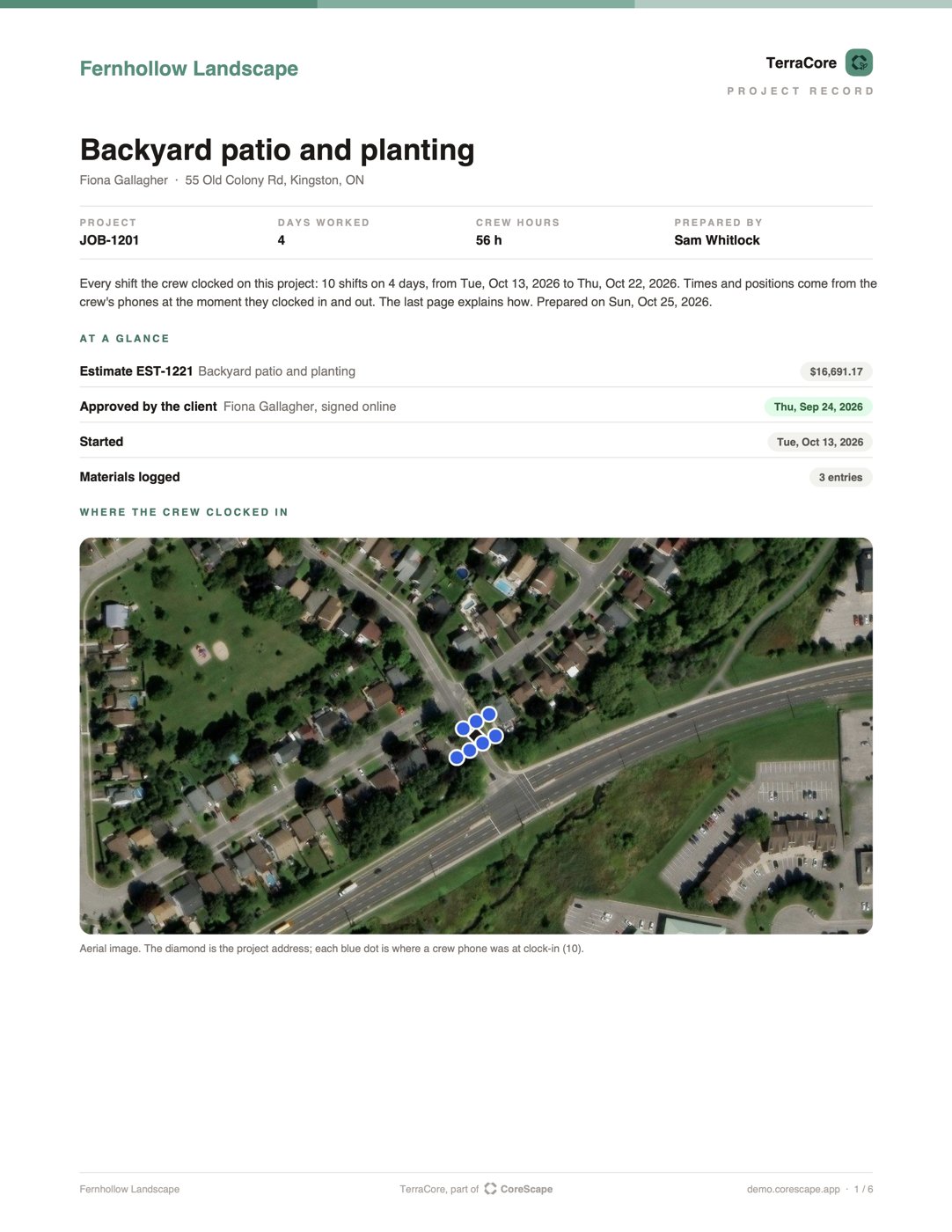
The phone's position at each of those moments, how accurate it was, and how far it was from the site or the address.
The crew on each visit and each day.
The checklist on a grounds visit, the work ticked off on a tree job, materials on a project.
Each hazard and how the crew controlled it, the PPE check, and every person's sign-on with the time.
The estimate they approved online, with their name and the time.
Added during the work, each with the time it was added.
For grounds visits and tree jobs: temperature, snow and rain for the location.
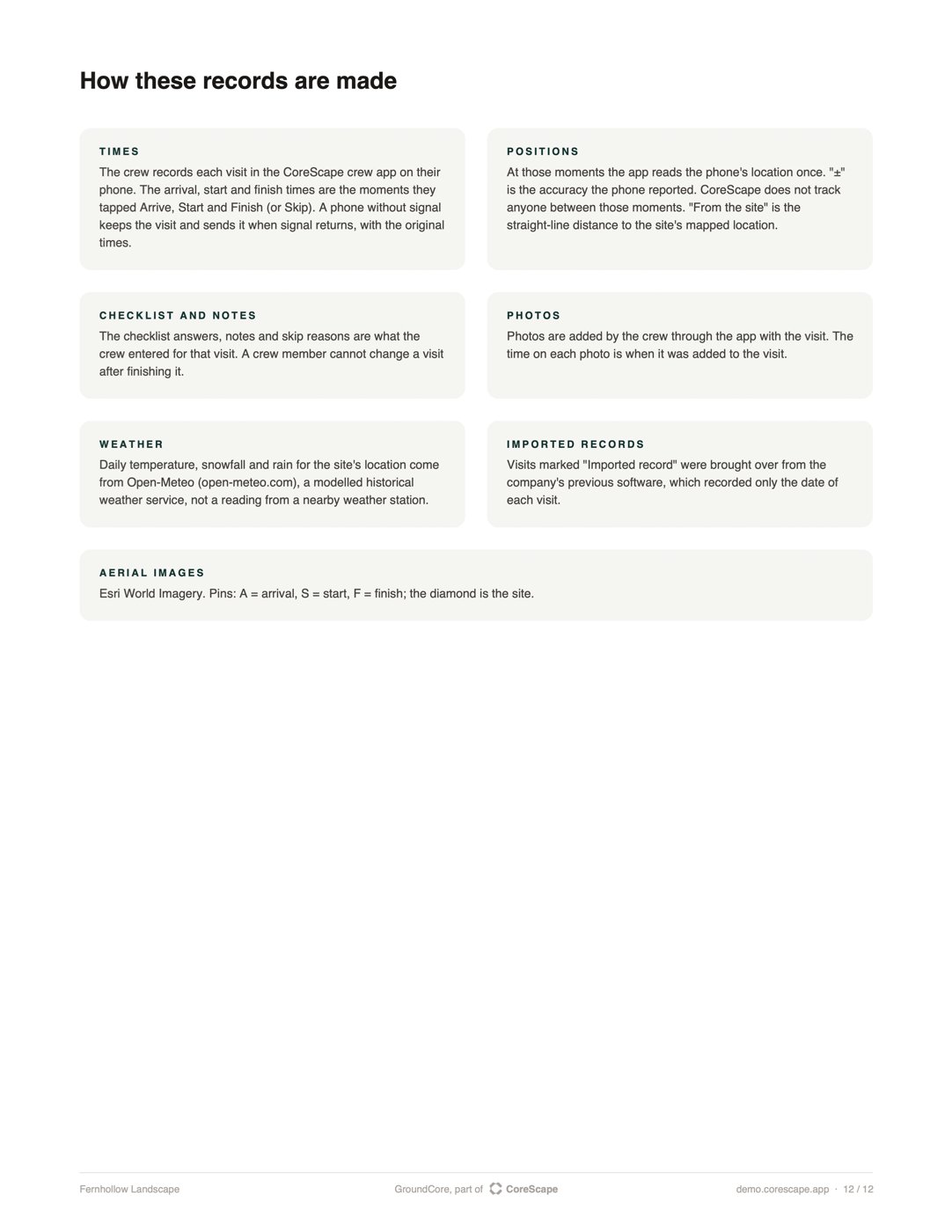
The times are the moments the crew tapped in the app. Nobody types a time in afterwards.
The phone's location is read when the crew taps — arrive, start, finish, clock in, clock out. CoreScape doesn't follow anyone between those moments.
A crew member can't change a visit after finishing it, or a shift once it's recorded. The office can correct a record; a shift correction is something the crew asks for and the office approves.
On a tree job, the crew can't start work until the safety check is complete. If the site changes and they reopen it, that is logged, never erased.
Visits the office marked from the desk say so. The weather is modelled for the location, and the report says that too.
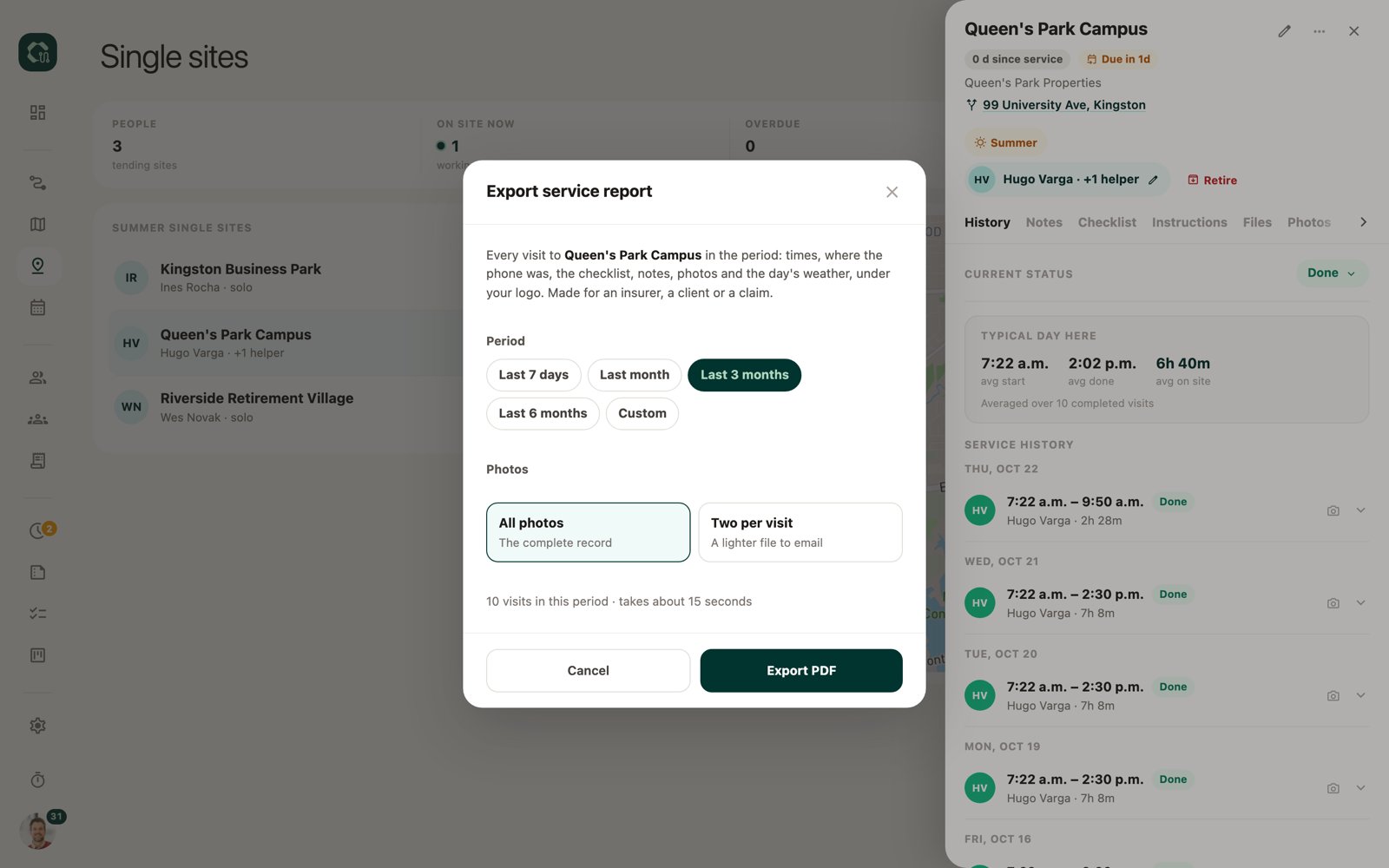
A site service report for one site and any period (the last 7 days, the month, 3 or 6 months, or your own dates), with every photo or two per visit. Or a spreadsheet of every stop on a route.
A job record for any job, from the job's menu.
A project record for any project, from the project page.
No. The phone's location is read when they tap — arrive, start, finish, clock in, clock out — and nothing in between.
No. Once a visit is finished or a shift is recorded, the crew can't change it. The office can correct a record, and a shift correction is a request the office approves.
In GroundCore, the crew finishes the visit anyway; it's kept on the phone and sent with the times it happened when there's signal.
Not automatically. You download the record, or send it to the client from the app: you see the whole email before it goes.
All three. GroundCore for grounds and snow, ArborCore for tree care, TerraCore for landscape construction.
Only what the client already sees: the estimate and change-order totals on a project record. Never your costs, wages or margins.